
Run a test
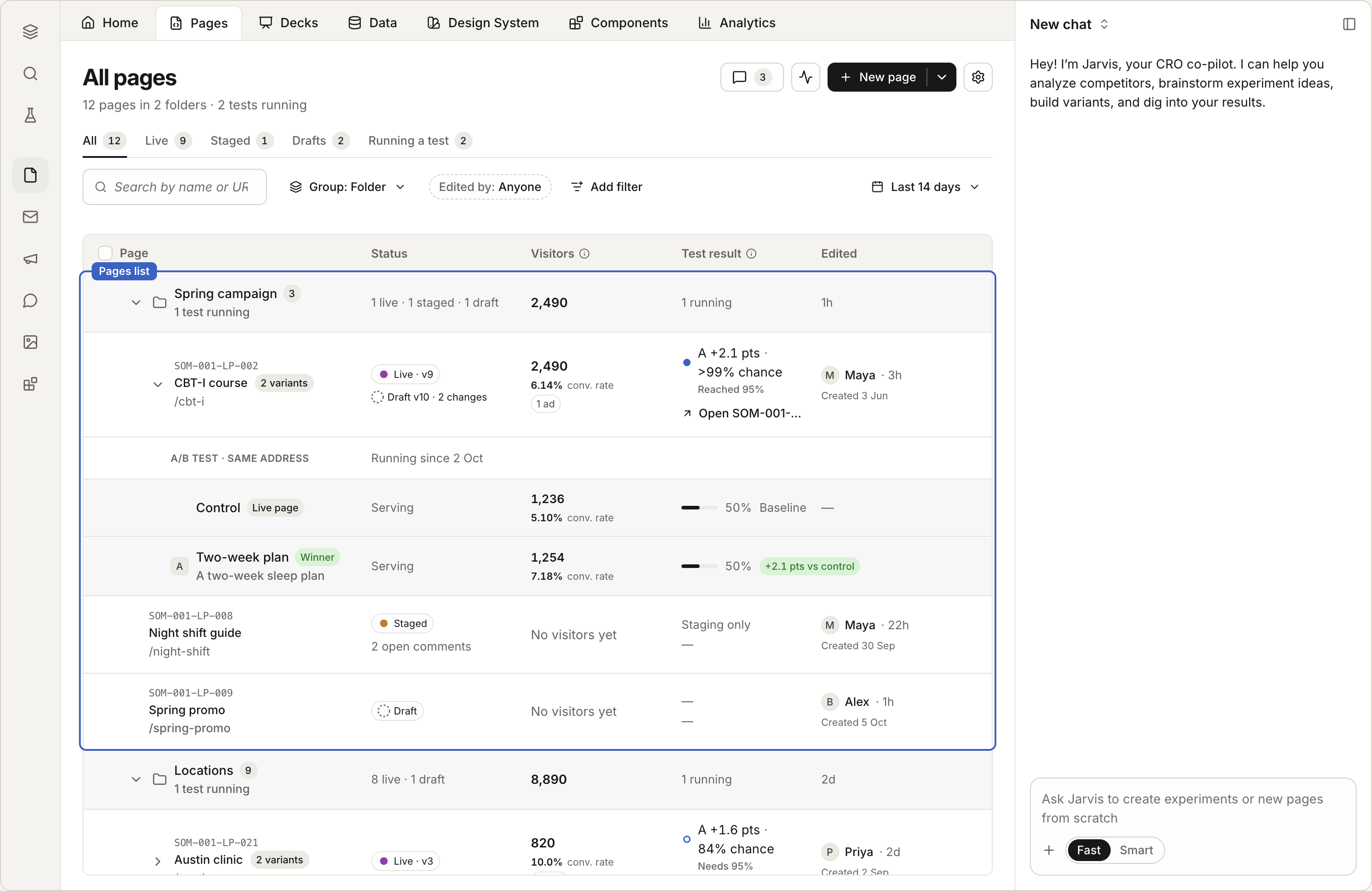
A test splits your visitors between the page as it is, the Control, and one or more new variants. Coframe measures which one gets more conversions.
In this stage · 05 Measure · 0 of 3 done
Before you start
Quick version
Pages › the page's row › Start test → make the variant → get it approved → launch.
Steps
Step 1 · In Pages
Start a test
In Landing Pages, find the published page. In its row, choose Start test.
Step 2 · In Coframe Experiments
Make the variant
The test opens in Coframe Experiments. Build your variant there, or ask Jarvis, Coframe's assistant, to make it.
Change one thing, like the headline, so you know what worked.
You can also ask Jarvis from the page's chat: "Test a shorter headline," or "Test the form above the fold." Jarvis makes the variant as a draft for you to check.
Step 3 · In Coframe Experiments
Get it approved, then launch
Launch the test. Until you launch, every visitor sees the page as it is.
Check it worked
Read the result
- Each variant shows its chance to be best: how likely it is to be the real winner, given the visitors so far.
- Until there are enough visitors, the result says so, and says roughly how many it needs.
- A visitor who comes back sees the same variant again, and counts once.
End the test
When one variant is very likely the best, end the test in Coframe Experiments. The winner keeps showing on the page. To test your next idea, archive the finished test and choose Start test again.
Good to know
- Test one idea at a time. If you change the headline and the form, you won't know which one worked.
- A page has one test at a time. Archive the old test before starting a new one.
- Weights. Each variant gets a share of visitors. A share of 0 keeps a variant live but out of the split. That's useful for a version only an ad links to.
- Branches can't hold tests. Start the test from the main page.
Next in this stage · 5 min
Read your results
Every published page measures itself.